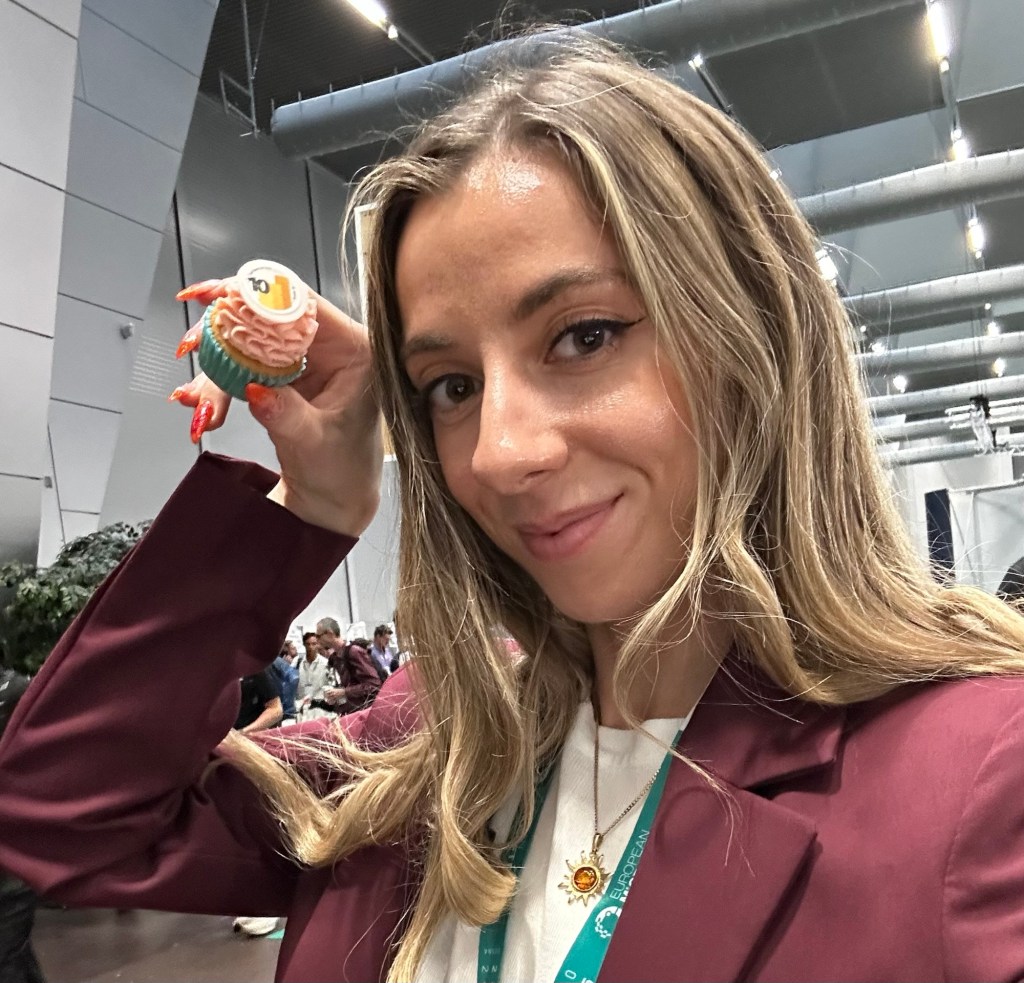
When Power BI is your bread and butter, it can be easy to feel overwhelmed these days with the constant innovation and seismic shifts in our landscape. Fabric & AI trends are rapidly changing the role of a BI Professional. I wanted to take a beat after attending the Power BI Core Note at FabCon Europe in Vienna to really just pause and reflect on the fundamentals of Power BI Development.
The session was shaped around 4 core pillars of Power BI: Semantic Models, Exploration, Visualisation and Chat, with that last one being a new element to Power BI. Unless you count Q&A Viz… but we’re not counting that…

The first two demos from the Power BI Product team focussed on the roadmap for visualisation and semantic modelling, where the second two demos showcased Prep your Data for AI and PBI MCP optimisations. There’s been a lot of focus on creating parity between the Power BI experience in web and desktop (very welcome news for Mac users!!), but the team have also been hard at work investing in desktop performance so we can expect as much as a 50% improvement coming when we open up those pbix files.

Something that can make or break the adoption of a report – filters. On the page or hidden? Slicer viz or Filter Pane? It’s something that’s moved in trends over the years and something probably every PBI Dev has an opinion on. Personally, I used to be ten toes down on keeping the filter pane as a dev tool, and building complex pop out slicer experiences. This is something I’ve done a full 180 on, and now much prefer to keep UI uncluttered, simple and trust users to make their way around the filter pane. However, having some core actions focused via a button slicer can go a long way. It may be 2025, but I still see scenarios of reporting suites split into separate reports and separate pages, where developers don’t trust their users to interact at all. With things like partial highlighting greying out selections that are not relevant, this clean button slicer can be designed in a way that could not make it easier. Used sparingly, I’m happy to see this go GA. I’m also very excited at the idea of new capability in how we use images. Driving actions from “on press” or “on hover”… I can already tell we’re gonna see some very cool UI from this alone. As one of my team said when I shared this update in our teams chat “I fear having you and power of hovering on images in the same room” – I think that’s a compliment??? But am always happy to accept a roast from my team!

Almost every time I survey new PBI teams ahead of training on what they want to get out of the day, the top answer 9 times in 10 is “DAX”. The enigmatic language you’re either fluent in or terrified of. While my answer is often “build a good solid model with upstream transforms and you won’t need to write mountains of DAX” – today’s announcements on improved time intelligence support are very much welcome. With the ability to set custom calendars, including 4-4-5 retail calendars and improved fiscal calendar support, it may be time for a new approach. With new functions like TOTALWTD, those calculation groups are about to get a whole lot simpler (I hope!!!)
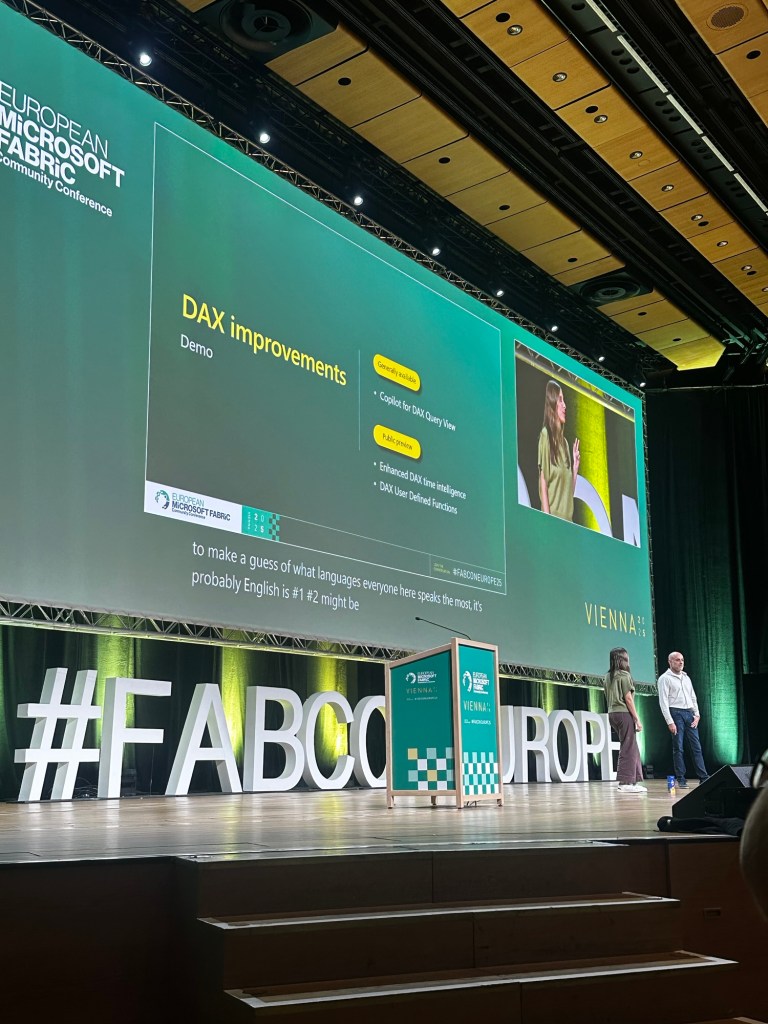
These demos were followed by more coverage on the “Making Pigs Fly” stuff I’ve covered recently – prepping your data for AI, and MCP for PBI. I’ll come back and cover this in another of my FabCon roundup blogs, as I want to keep this blog to the “Core” Power BI updates that many Developers will be seeing affect their day to day work.
I closed off Tuesday at the 2nd ever Power BI Data Viz World Championships where 4 finalists delivered some truly remarkable insights in just 20 minutes, which is where some of this blog took shape while the judges deliberated! It really cemented for me how even in the age of AI, the art of creating a beautiful UI should not be underestimated.

It’s really great to see investment from the product team in the heart of the product that, let’s face it, has been the backbone of the rapid adoption of Fabric that brought us all here today. As BI Professionals we are evolving to become key advisers to engineers and AI teams alike. We are specialists in consumption, platform ownership, and delivering models that are now core to the Microsoft unified data experience, but at our heart – we are always going to get disproportionately excited about button slicers and new DAX. Here’s to 10 years of the product that for so many of us started at all, and as always, Happy Power BI’ing!


 Livadata
Leave a comment